

A NUTCRACKER! Magical Christmas Ballet presale code is available on tmpresale.com!
This might be your only chance to get NUTCRACKER! Magical Christmas Ballet presale tickets before anyone else!
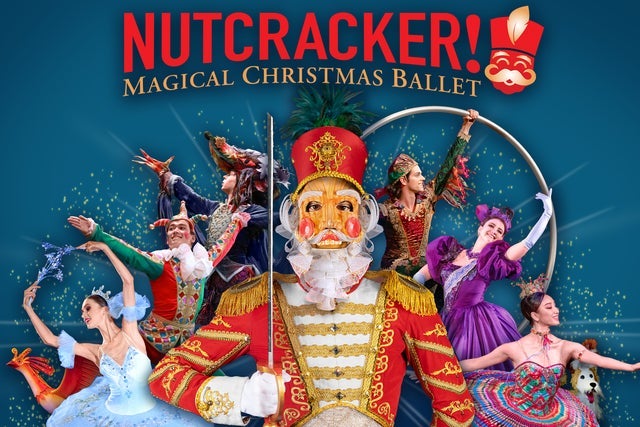 Now is the right time to buy your tickets – before they go onsale and are gone for good! Buy your tickets ASAP to watch NUTCRACKER! Magical Christmas Ballet in Pasadena, CA. Don't miss your chance: these tickets won't last long!
Pasadena, CA
Fri, Dec 18, 2026 3:00PM
Ends: Fri, Dec 18, 2026 3:00PM PST
Ends: Wed, Apr 8, 2026 8:00AM PDT
Ends: Wed, Apr 8, 2026 8:00AM PDT
Purchase tickets Find more NUTCRACKER! Magical Christmas Ballet presale codes
Now is the right time to buy your tickets – before they go onsale and are gone for good! Buy your tickets ASAP to watch NUTCRACKER! Magical Christmas Ballet in Pasadena, CA. Don't miss your chance: these tickets won't last long!
Here are the specifics for the NUTCRACKER! Magical Christmas Ballet ticket pre-sales:
NUTCRACKER! Magical Christmas Ballet
The Pasadena CivicPasadena, CA
Fri, Dec 18, 2026 3:00PM
Onsale to General Public
Starts: Wed, Apr 8, 2026 10:00AM PDTEnds: Fri, Dec 18, 2026 3:00PM PST
Ticketmaster Presale password
Starts: Mon, Apr 6, 2026 10:00AM PDTEnds: Wed, Apr 8, 2026 8:00AM PDT
Venue Presale password
Starts: Mon, Apr 6, 2026 10:00AM PDTEnds: Wed, Apr 8, 2026 8:00AM PDT
You could use this NUTCRACKER! Magical Christmas Ballet presale code and links to order tickets
Our Passwords are for WiseGuys Members
Join right now and you'll instantly unlock the presale codes you need to buy your tickets early to this event and thousands of other shows too!



