

The Buffalo Traffic Jam - Pictures of You Tour presale code for New York is available below for our members!
All fans who got this presale code will have an opportunity to grab exclusive seats before the general public!
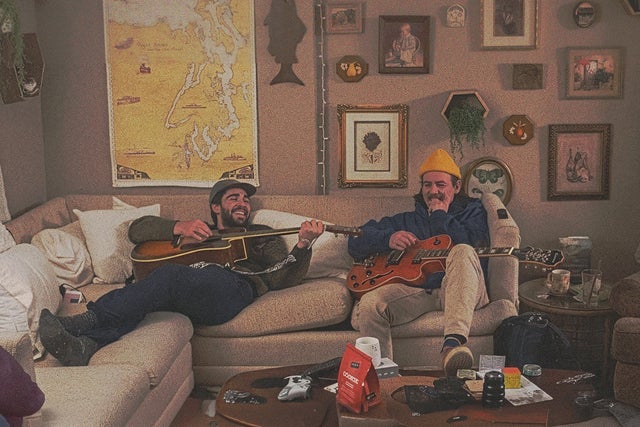 Now is the right time to order your tickets - before they go onsale and sell out! Buy your tickets as quickly as you can to see Buffalo Traffic Jam - Pictures of You Tour in New York
New York, NY
Wed, Sep 30, 2026 7:00PM
Ends: Wed, Sep 30, 2026 9:00PM EDT
Ends: Thu, May 14, 2026 10:00PM EDT
Ends: Thu, May 14, 2026 10:00PM EDT
Get your Buffalo Traffic Jam - Pictures of You Tour tickets here Look for another Buffalo Traffic Jam - Pictures of You Tour pre-sale password
Now is the right time to order your tickets - before they go onsale and sell out! Buy your tickets as quickly as you can to see Buffalo Traffic Jam - Pictures of You Tour in New York
Here are all the Buffalo Traffic Jam - Pictures of You Tour presale details:
Buffalo Traffic Jam - Pictures of You Tour
Irving Plaza Powered By Verizon 5GNew York, NY
Wed, Sep 30, 2026 7:00PM
Onsale to Regular Public
Starts: Fri, May 15, 2026 10:00AM EDTEnds: Wed, Sep 30, 2026 9:00PM EDT
Artist Presale password
Starts: Wed, May 13, 2026 12:20PM EDTEnds: Thu, May 14, 2026 10:00PM EDT
Live Nation Presale password
Starts: Thu, May 14, 2026 10:00AM EDTEnds: Thu, May 14, 2026 10:00PM EDT
You can use this Buffalo Traffic Jam - Pictures of You Tour presale password and information to get your mitts on presale tickets
Our Passwords are for WiseGuys Members
Join right now and you'll instantly unlock the presale codes you need to buy your tickets early to this event and thousands of other shows too!



