

The A Magical Cirque Christmas (Touring) presale password has been added.
For a quick window you've got the chance to buy your pre-sale tickets before the crowd.
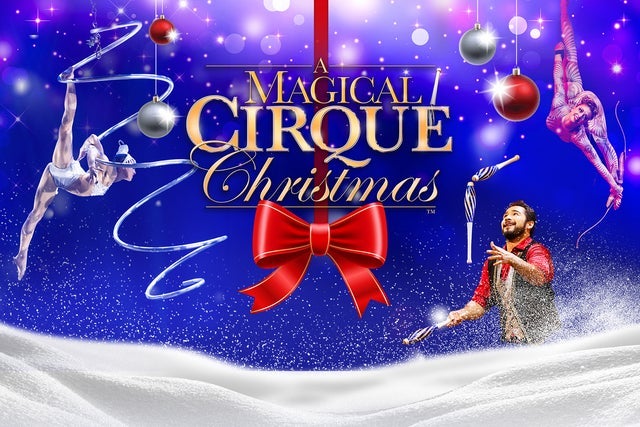 Remember that this might be your best opportunity ever to see A Magical Cirque Christmas (Touring) live in Bloomington
Bloomington, IN
Tue, Dec 1, 2026 7:30PM
Ends: Tue, Dec 1, 2026 9:30PM EST
Ends: Thu, Jul 9, 2026 11:59PM EDT
Ends: Thu, Jul 9, 2026 11:59PM EDT
Ends: Thu, Jul 9, 2026 11:59PM EDT
Buy your A Magical Cirque Christmas (Touring) tickets here Look for a different A Magical Cirque Christmas (Touring) presale code
Remember that this might be your best opportunity ever to see A Magical Cirque Christmas (Touring) live in Bloomington
Here is what we have so far about the A Magical Cirque Christmas (Touring) pre-sale tickets:
A Magical Cirque Christmas (Touring)
Indiana University AuditoriumBloomington, IN
Tue, Dec 1, 2026 7:30PM
Onsale to General Public
Starts: Fri, Jul 10, 2026 10:00AM EDTEnds: Tue, Dec 1, 2026 9:30PM EST
Loyalty Point Member Presale password
Starts: Tue, Jul 7, 2026 10:00AM EDTEnds: Thu, Jul 9, 2026 11:59PM EDT
Social Media Presale code
Starts: Tue, Jul 7, 2026 10:00AM EDTEnds: Thu, Jul 9, 2026 11:59PM EDT
Venue Presale password
Starts: Tue, Jul 7, 2026 10:00AM EDTEnds: Thu, Jul 9, 2026 11:59PM EDT
You should use the following A Magical Cirque Christmas (Touring) presale code and links to get tickets
Our Passwords are for WiseGuys Members
Join right now and you'll instantly unlock the presale codes you need to buy your tickets early to this event and thousands of other shows too!



