

The Y-Live 2026 Featuring: Jason Aldean & Travis Tritt presale password has finally been listed:
While this official pre-sale offer exists, you can order Y-Live 2026 Featuring: Jason Aldean & Travis Tritt presale tickets before anyone else!
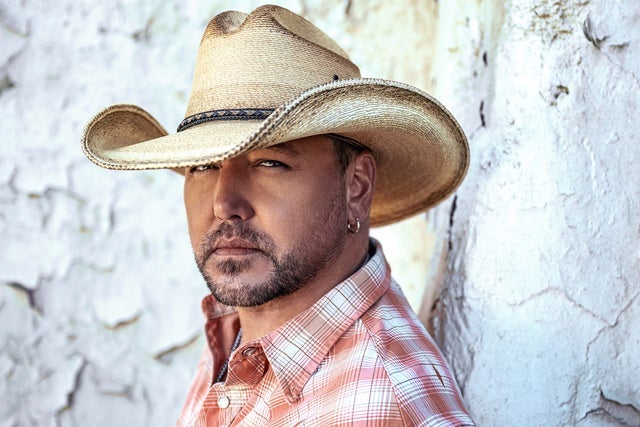 Right now is the time to buy your tickets - before they go onsale and sell out! Buy your tickets today to go and see Y-Live 2026 Featuring: Jason Aldean & Travis Tritt in Youngstown
Youngstown, OH
Fri, Jul 10, 2026 6:30PM
Ends: Fri, Jul 10, 2026 7:30PM EDT
Ends: Thu, Jan 29, 2026 10:00PM EST
Ends: Thu, Jan 29, 2026 10:00PM EST
Ends: Thu, Jan 29, 2026 10:00PM EST
Order seats View more Y-Live 2026 Featuring: Jason Aldean & Travis Tritt presale codes
Right now is the time to buy your tickets - before they go onsale and sell out! Buy your tickets today to go and see Y-Live 2026 Featuring: Jason Aldean & Travis Tritt in Youngstown
Here are the specific the Y-Live 2026 Featuring: Jason Aldean & Travis Tritt presale details:
Y-Live 2026 Featuring: Jason Aldean & Travis Tritt
Stambaugh StadiumYoungstown, OH
Fri, Jul 10, 2026 6:30PM
Onsale to General Public
Starts: Fri, Jan 30, 2026 10:00AM ESTEnds: Fri, Jul 10, 2026 7:30PM EDT
Local Media Presale code
Starts: Wed, Jan 28, 2026 10:00AM ESTEnds: Thu, Jan 29, 2026 10:00PM EST
Promoter Presale code
Starts: Wed, Jan 28, 2026 10:00AM ESTEnds: Thu, Jan 29, 2026 10:00PM EST
Promoter Presale password
Starts: Thu, Jan 29, 2026 10:00AM ESTEnds: Thu, Jan 29, 2026 10:00PM EST
You may use the following Y-Live 2026 Featuring: Jason Aldean & Travis Tritt presale password and links to order tickets
Our Passwords are for WiseGuys Members
Join right now and you'll instantly unlock the presale codes you need to buy your tickets early to this event and thousands of other shows too!



