

TMPresale has the latest Monster Jam Freestyle Mania presented by Spin Master presale password:
During this limited time presale window you have got a fantastic chance to purchase some nice tickets before the public.
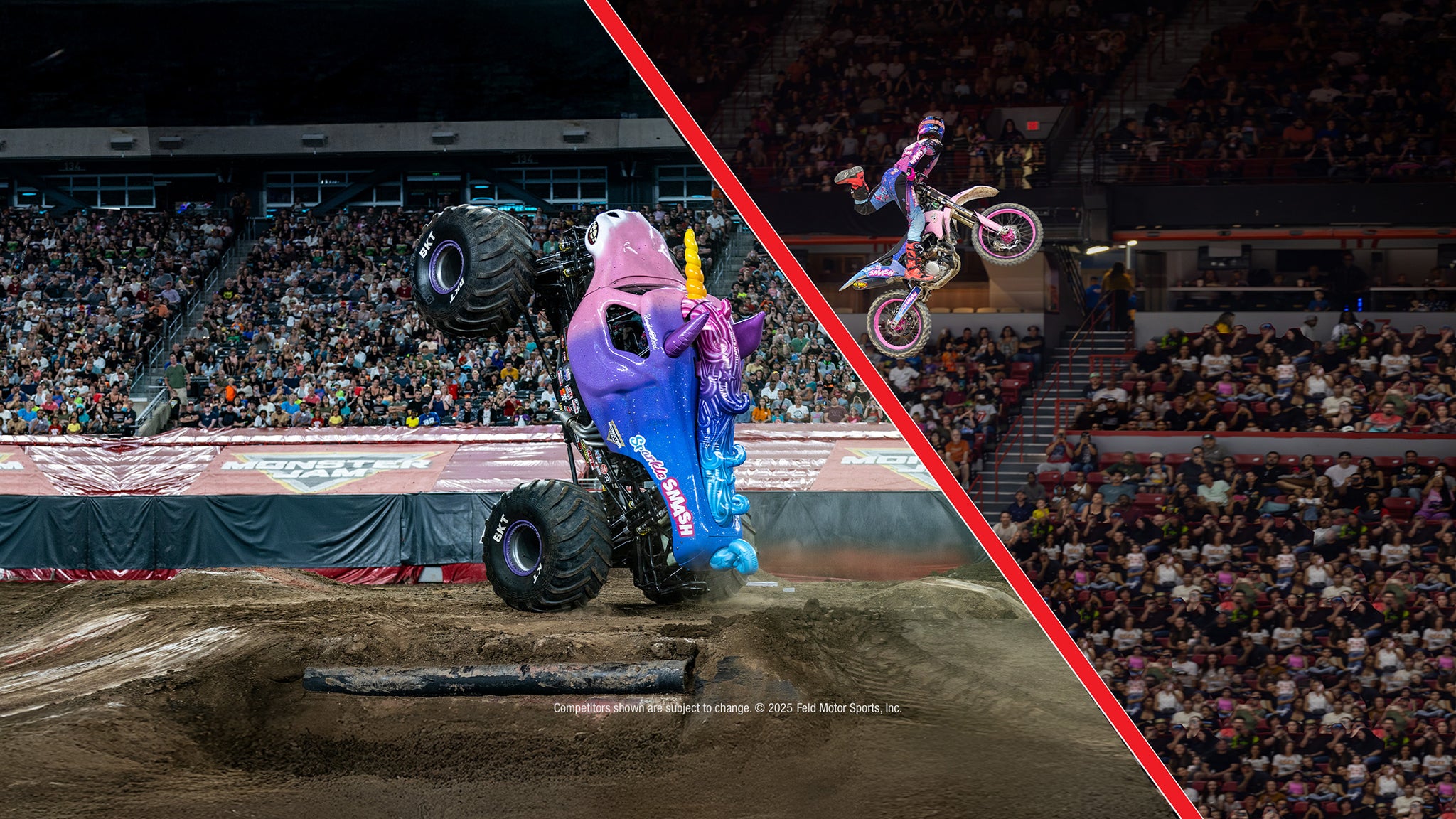 Please don't miss this wonderful change to attend Monster Jam Freestyle Mania presented by Spin Master in Nashville, TN
Nashville, TN
Sun, Jan 18, 2026 1:00PM
Ends: Sun, Jan 18, 2026 2:00PM CST
Ends: Mon, Sep 15, 2025 11:59PM CDT
Ends: Mon, Sep 15, 2025 11:59PM CDT
Buy your Monster Jam Freestyle Mania presented by Spin Master tickets Search other Monster Jam Freestyle Mania presented by Spin Master pre-sale codes
Here are the specific the Monster Jam Freestyle Mania presented by Spin Master pre-sale details:
Monster Jam Freestyle Mania presented by Spin Master
Bridgestone ArenaNashville, TN
Sun, Jan 18, 2026 1:00PM
Onsale to Regular Public
Starts: Tue, Sep 16, 2025 10:00AM CDTEnds: Sun, Jan 18, 2026 2:00PM CST
FELD Preferred Presale code
Starts: Tue, Sep 9, 2025 10:00AM CDTEnds: Mon, Sep 15, 2025 11:59PM CDT
TM/Venue Presale code
Starts: Thu, Sep 11, 2025 10:00AM CDTEnds: Mon, Sep 15, 2025 11:59PM CDT
You can use this Monster Jam Freestyle Mania presented by Spin Master presale password and ticket information to get tickets
Our Passwords are for WiseGuys Members
Join right now and you'll instantly unlock the presale codes you need to buy your tickets early to this event and thousands of other shows too!



