

The Hot Wheels Monster Trucks Live Glow-N-Fire presale password that we've been swamped with so many requests to share is up and live!
During this exclusive presale event you have got an excellent opportunity to order some nice tickets before the public.
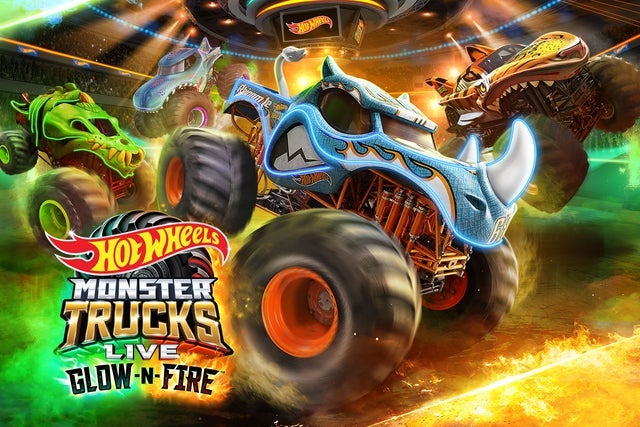 You might never have another opportunity to see Hot Wheels Monster Trucks Live Glow-N-Fire in Nashville!
Nashville, TN
Sun, Jul 19, 2026 1:30PM
Ends: Sun, Jul 19, 2026 3:30PM CDT
Ends: Thu, Mar 12, 2026 11:59PM CDT
Ends: Thu, Mar 12, 2026 11:59PM CDT
Ends: Thu, Mar 12, 2026 11:59PM CDT
Get your Hot Wheels Monster Trucks Live Glow-N-Fire tickets Look for other Hot Wheels Monster Trucks Live Glow-N-Fire presale codes
You might never have another opportunity to see Hot Wheels Monster Trucks Live Glow-N-Fire in Nashville!
Hot Wheels Monster Trucks Live Glow-N-Fire ticket/presale details:
Hot Wheels Monster Trucks Live Glow-N-Fire
Bridgestone ArenaNashville, TN
Sun, Jul 19, 2026 1:30PM
Onsale to General Public
Starts: Fri, Mar 13, 2026 10:00AM CDTEnds: Sun, Jul 19, 2026 3:30PM CDT
FEL Presale password
Starts: Tue, Mar 10, 2026 10:00AM CDTEnds: Thu, Mar 12, 2026 11:59PM CDT
Ticketmaster Presale code
Starts: Tue, Mar 10, 2026 10:00AM CDTEnds: Thu, Mar 12, 2026 11:59PM CDT
Venue Presale password
Starts: Wed, Mar 11, 2026 10:00AM CDTEnds: Thu, Mar 12, 2026 11:59PM CDT
You should use the following Hot Wheels Monster Trucks Live Glow-N-Fire pre-sale code and ticket information to get tickets
Our Passwords are for WiseGuys Members
Join right now and you'll instantly unlock the presale codes you need to buy your tickets early to this event and thousands of other shows too!



