

The San Holo presents: TRUE LOVE IN A MADE UP WORLD presale password has just been posted.
For a very short time you will be able to buy those sweet seats before the general public.
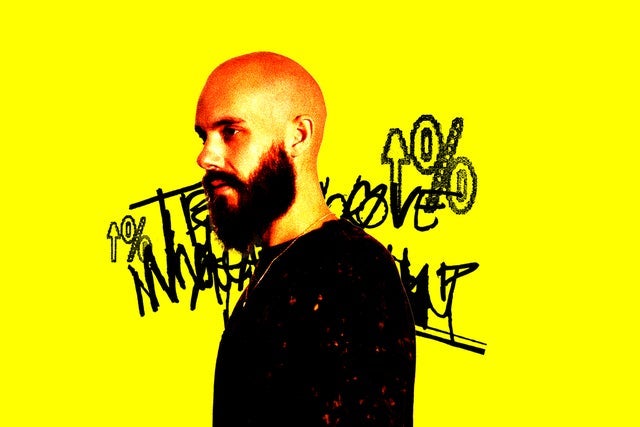 Don't miss this fantastic opportunity to see San Holo presents: TRUE LOVE IN A MADE UP WORLD in Toronto, ON
Toronto, ON
Sat, Oct 3, 2026 10:00PM
Ends: Sun, Oct 4, 2026 12:00AM EDT
Ends: Fri, Apr 3, 2026 8:00AM EDT
Ends: Fri, Apr 3, 2026 8:00AM EDT
Ends: Fri, Apr 3, 2026 8:00AM EDT
Order your San Holo presents: TRUE LOVE IN A MADE UP WORLD tickets Look for more San Holo presents: TRUE LOVE IN A MADE UP WORLD presale passwords
Don't miss this fantastic opportunity to see San Holo presents: TRUE LOVE IN A MADE UP WORLD in Toronto, ON
Here are the specifics for the San Holo presents: TRUE LOVE IN A MADE UP WORLD ticket presales:
San Holo presents: TRUE LOVE IN A MADE UP WORLD
The Opera HouseToronto, ON
Sat, Oct 3, 2026 10:00PM
Onsale to Regular Public
Starts: Fri, Apr 3, 2026 10:00AM EDTEnds: Sun, Oct 4, 2026 12:00AM EDT
Artist Presale code
Starts: Thu, Apr 2, 2026 10:00AM EDTEnds: Fri, Apr 3, 2026 8:00AM EDT
Embrace Presale password
Starts: Thu, Apr 2, 2026 12:00PM EDTEnds: Fri, Apr 3, 2026 8:00AM EDT
Ticketmaster Presale code
Starts: Thu, Apr 2, 2026 12:00PM EDTEnds: Fri, Apr 3, 2026 8:00AM EDT
You should use the following San Holo presents: TRUE LOVE IN A MADE UP WORLD presale password and ticket information to buy tickets
Our Passwords are for WiseGuys Members
Join right now and you'll instantly unlock the presale codes you need to buy your tickets early to this event and thousands of other shows too!



