

The Not Dead Yet! - John Cleese and the Holy Grail at 50 presale code has finally been posted:
While this limited time presale opportunity is happening, you can buy Not Dead Yet! - John Cleese and the Holy Grail at 50 event tickets before the general public!!!
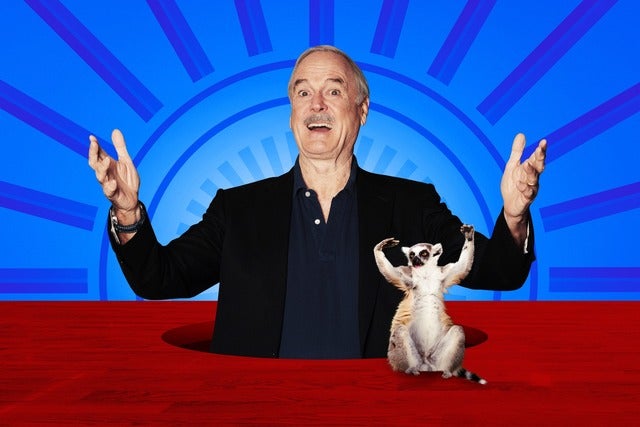 Do not miss this incredible chance to experience Not Dead Yet! - John Cleese and the Holy Grail at 50 in Hamilton
Hamilton, ON
Sun, Oct 4, 2026 7:30PM
Ends: Sun, Oct 4, 2026 8:30PM EDT
Ends: Thu, Apr 9, 2026 10:00PM EDT
Ends: Thu, Apr 9, 2026 10:00PM EDT
Ends: Thu, Apr 9, 2026 10:00PM EDT
Ends: Thu, Apr 9, 2026 10:00PM EDT
Purchase your tickets View more Not Dead Yet! - John Cleese and the Holy Grail at 50 presale passwords
Do not miss this incredible chance to experience Not Dead Yet! - John Cleese and the Holy Grail at 50 in Hamilton
Not Dead Yet! - John Cleese and the Holy Grail at 50 ticketing information:
Not Dead Yet! - John Cleese and the Holy Grail at 50
FirstOntario Concert HallHamilton, ON
Sun, Oct 4, 2026 7:30PM
Onsale to General Public
Starts: Fri, Apr 10, 2026 10:00AM EDTEnds: Sun, Oct 4, 2026 8:30PM EDT
Artist Presale password
Starts: Thu, Apr 9, 2026 10:00AM EDTEnds: Thu, Apr 9, 2026 10:00PM EDT
Just For Laughs Presale password
Starts: Thu, Apr 9, 2026 10:00AM EDTEnds: Thu, Apr 9, 2026 10:00PM EDT
Ticketmaster Presale code
Starts: Thu, Apr 9, 2026 10:00AM EDTEnds: Thu, Apr 9, 2026 10:00PM EDT
Venue Presale code
Starts: Thu, Apr 9, 2026 10:00AM EDTEnds: Thu, Apr 9, 2026 10:00PM EDT
You could use this Not Dead Yet! - John Cleese and the Holy Grail at 50 presale password and links to get tickets
Our Passwords are for WiseGuys Members
Join right now and you'll instantly unlock the presale codes you need to buy your tickets early to this event and thousands of other shows too!



